Friendly Tool
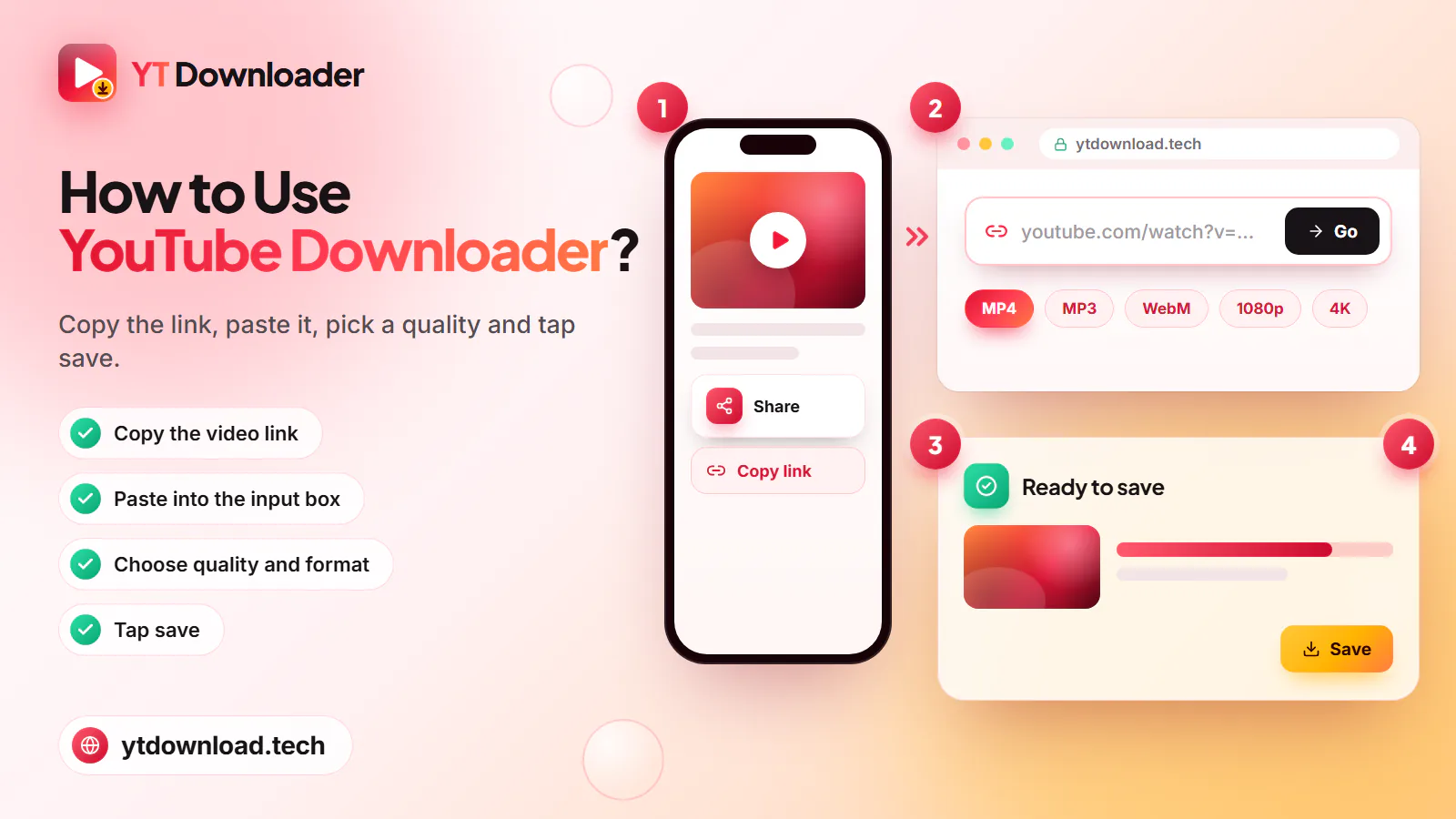
Paste link, personal settings, and hit download button to save media, that's it.
Free YouTube downloader for mobile and computer
Save high quality YouTube videos, shorts, and music on Android, IOS, tablets, and computers. No need to sign up or register an account. Just copy the URL, paste into YouTube Downloader, select MP3 for audio or MP4 for video formats, select quality from 360p, 720p, 1080p, up to 4K, hit download to save.
It supports batch downloads, instant processing to save media for watching offline. Whatever you want to save a single file or an entire playlist. Access this user- friendly tool anytime to save anything from YouTube without limits.

YT Downloader is a free online tool for all your needs. It ensures simple, safe, and instant download on almost all devices. No app, browser extension, or account is required. Save your favorite YouTube videos without watermark in MP4, MP3, WEBM, and more.
How to use
What you get
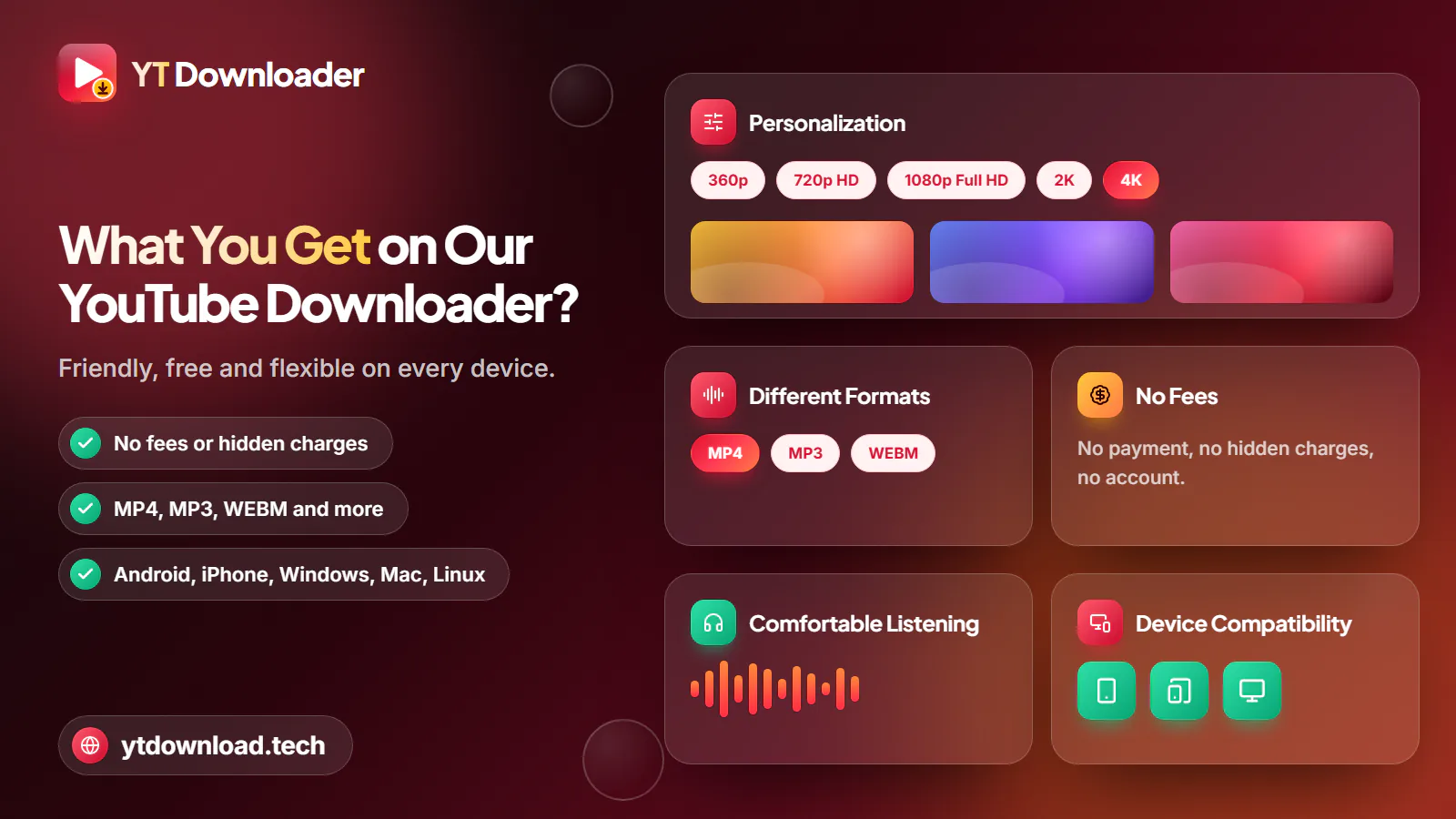
Now you can download YouTube videos in 4K from this free online Downloader. It's secure, free and ensures comfortable experiences with tons of exciting specifications such as;
Paste link, personal settings, and hit download button to save media, that's it.
No payment or hidden charges, access tool anytime to save unlimited content for free.
Turn YouTube Videos to MP4 and save into desired quality ranging from 360p to 4K.
Save your favorite YouTube videos without watermark in MP4, MP3, WEBM, and more.
Extract audio from on-demand YouTube songs, podcasts, and lectures to save as an audio file for offline listening.
It ensures quick conversions through your browser on Android, iPhone, Windows, Mac, and Linux.
Save as many videos as you want without malware, intrusive pop-ups, data collection, or additional requirements.
Full HD and 4K

You can download unlimited videos from YouTube through this secure tool. Let's discuss it in an easy step-by-step guide.
MP3 converter
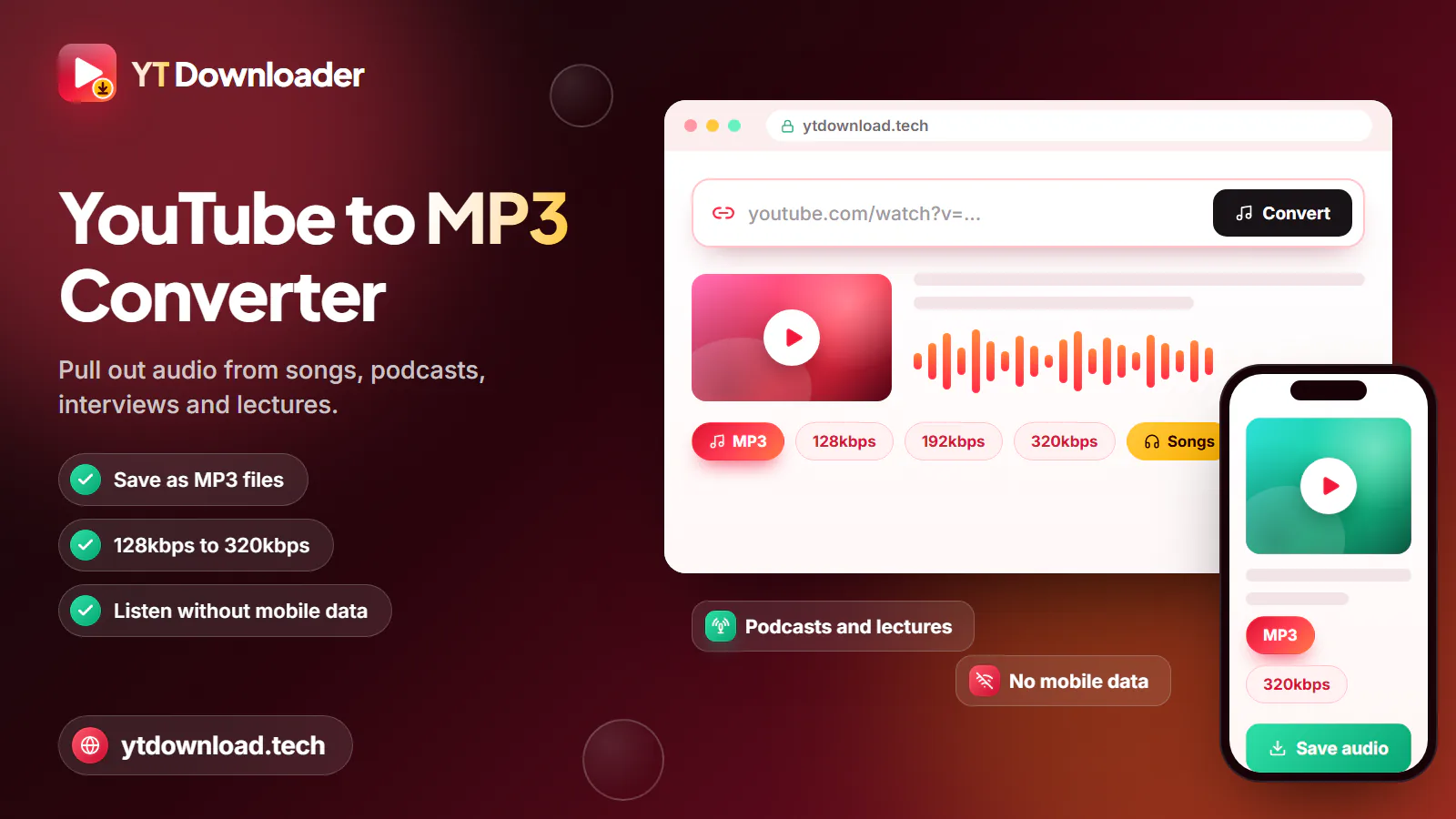
YouTube to MP3 Converter is the best tool to pull out audio from your favorite YouTube videos and save as MP3 files. It helps you to save songs, podcasts, interviews, and lectures with high quality audio to listen to anytime without using mobile data.
MP4 converter
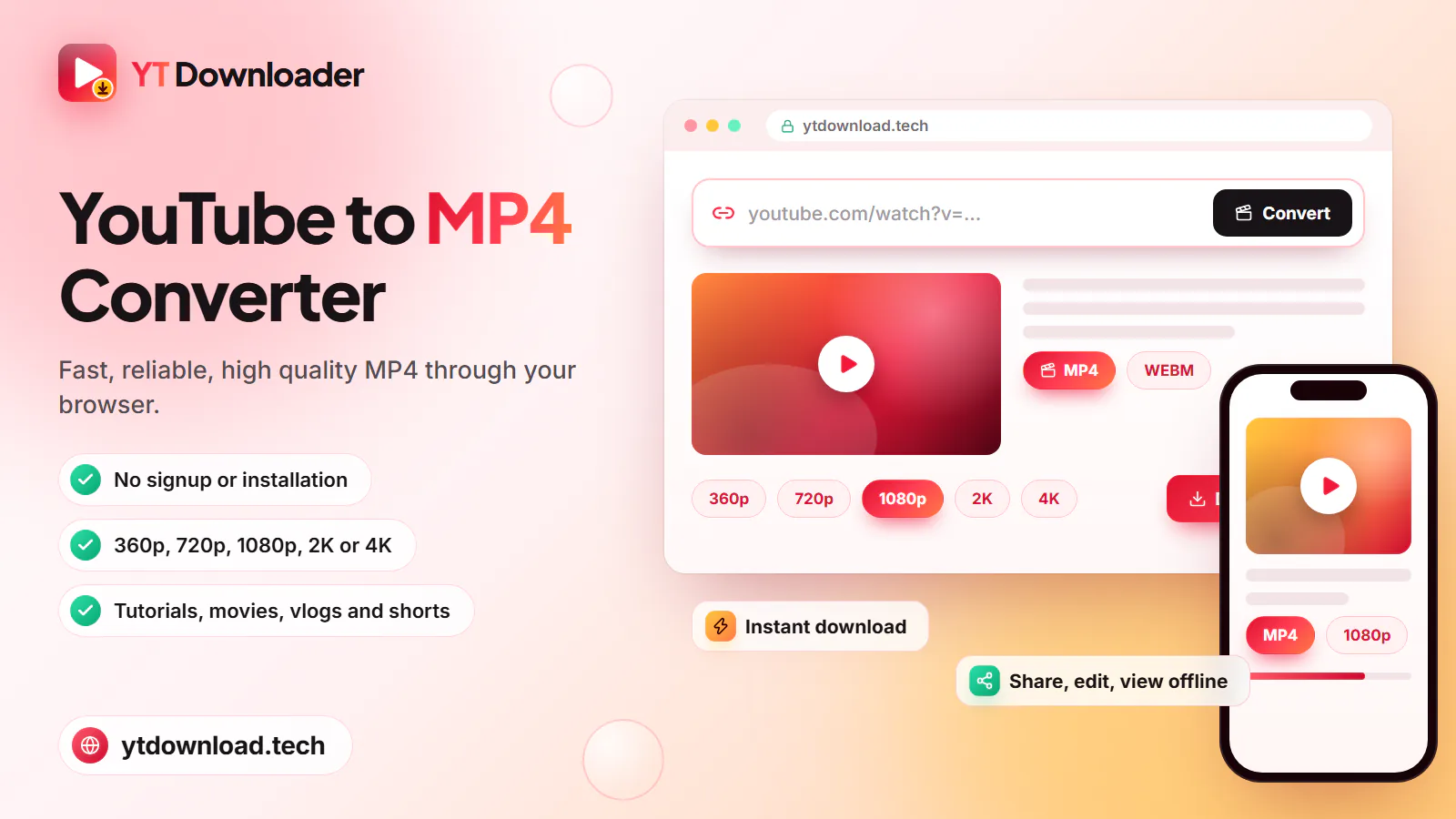
YouTube to MP4 Converter is a fast and reliable option to download YT videos in high quality MP4 format. It works through your browser without requiring signup or Installation. Here you can save videos in 360p, 720p, 1080p, 2K, or 4K to share, edit, and view offline. It ensures instant download, while helping you to save tutorials, movies, vlogs, and shorts for fun and learning.
Benefits
Now you can download on demand YouTube videos from our website. It doesn't only supports offline streaming but also comes with a lot of advantages such as;
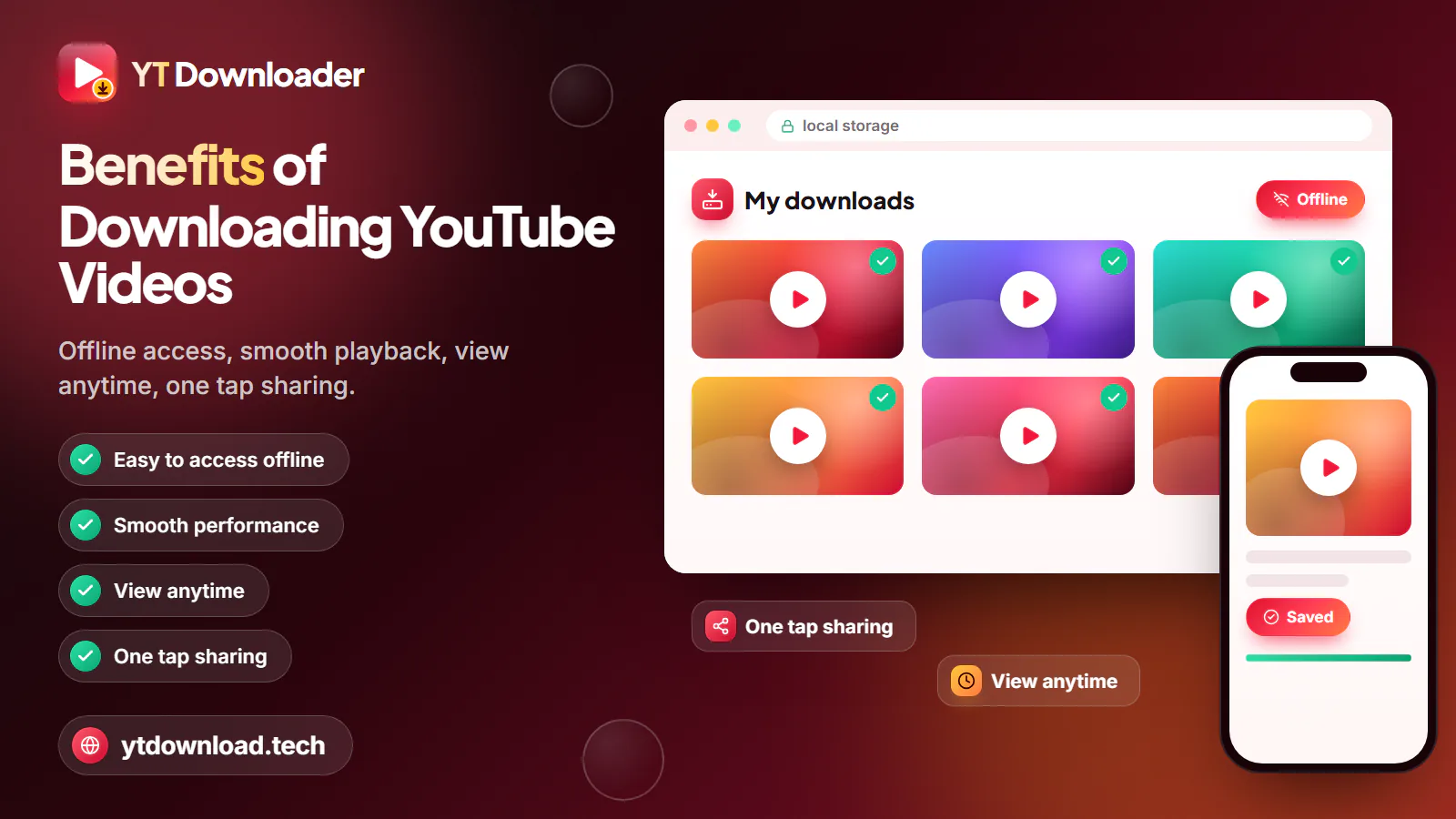
Instead of spending data while opening YouTube again to watch videos repeatedly, you can keep them in your local storage. It ensures hassle-free offline access and saves your data charges.
After Saving the videos will play smoothly directly through your local storage, no more buggering or lag issues.
Once you download media, the saved copies will stay with you even if the original video deletes or gets private.
It gets easier to share downloaded videos with your friends and social media platforms only if you have permission.
Thumbnails
Who can use
You can download YouTube videos for fun, learning, creativity, informational, and other purposes as a;
Save movies, music videos, vlogs, and shorts to stream offline during travel or unstable internet.
As a student you can save lectures, tutorials, and study videos to continue learning even if you're out of data.
Save educational and informational content for smooth and reliable presentations during class lectures.
Save videos, thumbnails, and collect permitted clips for reference for better editing and productivity.
Save trending music, podcasts, songs in high quality MP4 video or MP3 audio formats.
In short
Download high quality videos from YouTube to your local storage. Whatever you want to save shorts, videos, or your favorite media in MP3 or MP4 format. YT Downloader is a free online tool for all your needs. It ensures simple, safe, and instant download on almost all devices. No app, browser extension, or account is required. Here you can save unlimited videos on phone, tablet, or computer to stream later.
Questions
Yes, it's free of cost. You can access it anytime to save unlimited videos without paying a single penny.
Yes, you don't need to install it. It's an online web-based tool that works through browsers like Chrome, Safari, Firefox, and others.
No, because videos in 4K quality compress after uploading on TikTok. But you can save media in its original quality by using this secure tool.
You can save YouTube videos to your device gallery by using this secure tool. Just input the video URL and tap the Download button to save the device for offline viewing, fun, learning, and informational purposes.
Yes, YT to MP3 Converter helps you to turn videos into audio files to save into your local storage to listen to anytime.
Yes, you can try our YouTube Captions Downloader to save videos with subtitles in your language.
Yes, you can try batch download to save a full playlist in one session. It saves time and let you save multiple files with minimum effects.
If the “video is unavailable” or “not found” you can fix it by copying the URL accurately, refreshing your browser, or clearing your browser caches.
No, there is no limit on saving videos. You can download content anytime at any place from our website.
You may not be able to download videos due to server issues, outdated browsers, invalid URL, connection issues, or the videos may be private or unavailable.
Yes, it operates smoothly on all kinds of smartphones including Android and Iphone.
Yes, you can save high quality YouTube videos with clear sound.
Use YT Downloader to save videos, playlist, and short in MP4 or MP3, up to 4K quality on mobile and computer for free and secure offline streaming.

Updated